
Random profile pictures
Post now and then the profile picture of a member picked at random, to liven up a channel.
The bot can post now and then the profile picture of a member picked at random, and even their banner: a small regular feature that livens up a chat channel.
In short
+show picsopens the panel.- Pick the channel and the speed.
Setting up the pictures
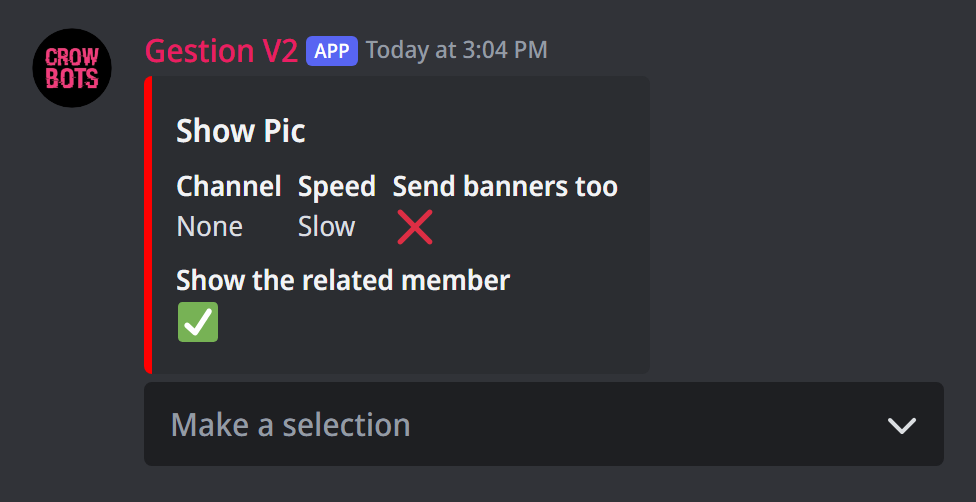
Type +show pics. The Make a selection menu sets:
- the channel where pictures are posted;
- the speed, on average: fast (a picture every 2 minutes), average (every 5 minutes), slow (every 10 minutes) or really slow (every 30 minutes);
- Send banners too: the bot also posts, now and then, a member's banner;
- Show the related member: their name shows under the picture (on by default);
- Turned off show pics stops the pictures.
If it doesn't work
- No picture arrives: check that a channel is picked and that the bot can write and send embeds there.
- Few banners: only members with a profile banner can show up.
Every command
Each command of this guide, with its arguments, its default level and examples: Random profile pictures.