
Money and how to earn it
How your members earn money (free reward, messages, voice, salaries), the balance, gifts, the leaderboard and managing the economy.
On this page
With Ecrownomy, your members earn money by being active, spend it in the games and the shop, and compare themselves on a leaderboard. Ecrownomy answers in French: this guide quotes its messages as they appear.
In short
- Your members type
*freefor a free reward, and earn money by writing and in voice; *balshows their balance,*leaderboardthe leaderboard;*money settings(administrators) shows every economy setting.
One economy
Money is shared by all of the bot's servers: a member has the same balance everywhere, and the leaderboard gathers every member. Earnings, on the other hand, are set server by server.
What your members see
In the game channels:
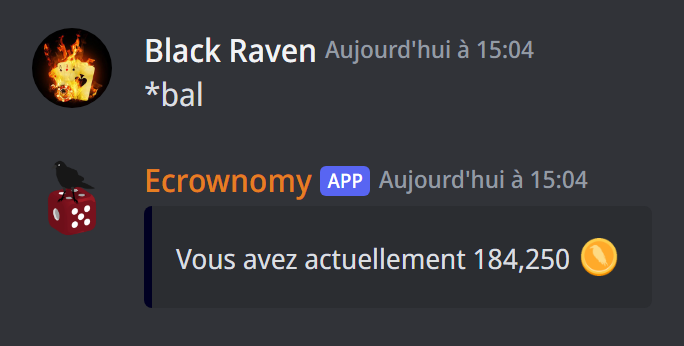
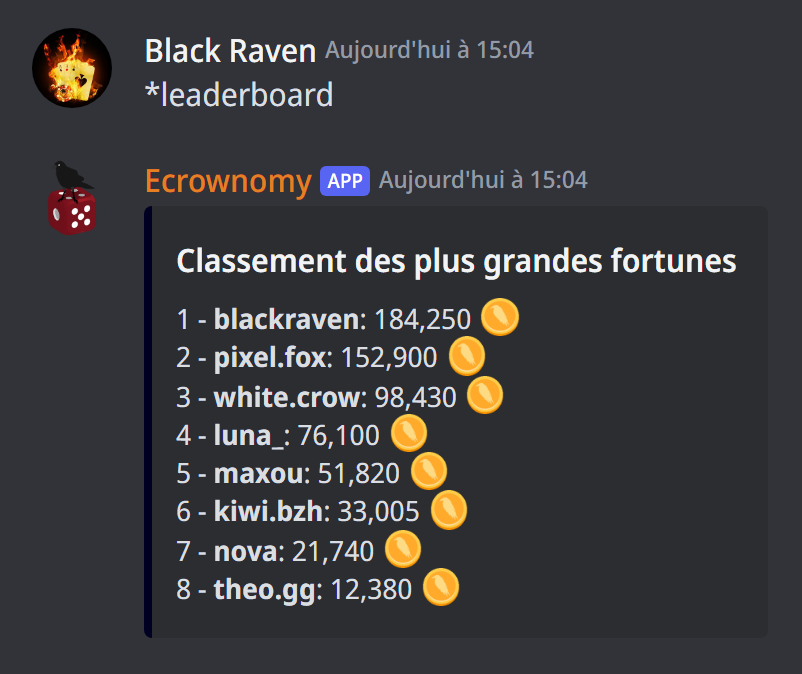
*balshows your balance,*bal @membersomeone else's;*freegives a free reward, once every 12 hours by default;*give @member 500gives 500 to another member; administrators can keep gifts for some roles (see how);*leaderboard(or*lb) shows the biggest fortunes, 10 per page.
Write amounts however you like: 1500, 1 500, 1,500.
Earnings
For administrators. Write durations in s, m, h or j/d (days): 30s, 12h, 1h30m.
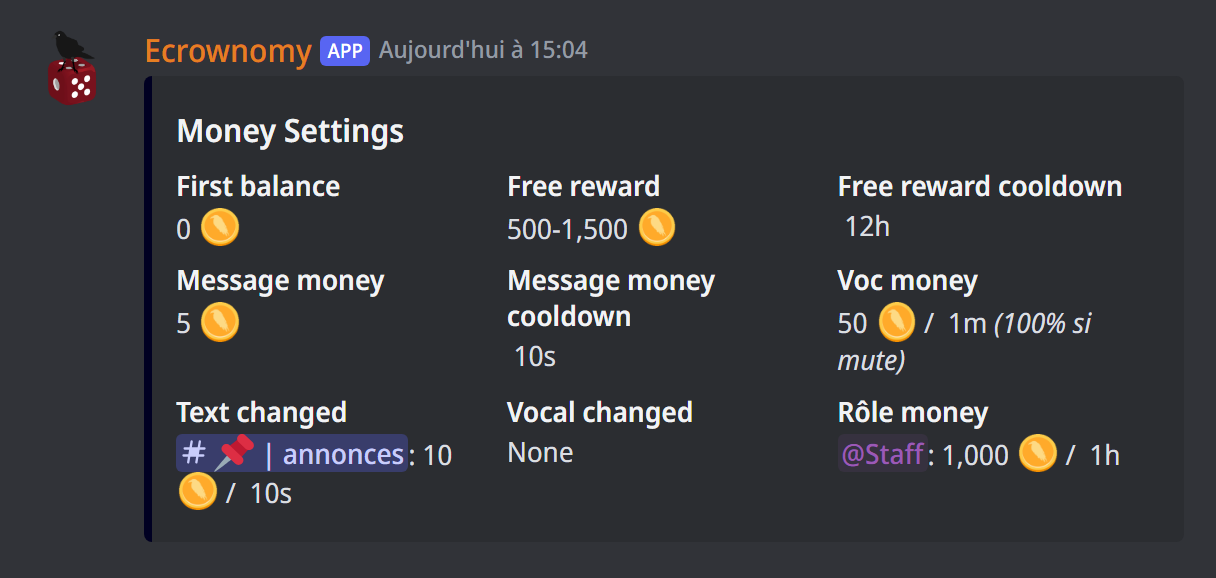
The free reward (by default between 500 and 1,500, every 12 hours):
*set free min 500and*set free max 1500: the reward, drawn between these two amounts;*set free cooldown 12h: the time between two*free.
Messages (by default 5 per message, at most one message counted every 10 seconds):
*set msg money 5: the money earned per message;*set msg cooldown 10s: the delay between two messages that pay.
Voice (by default 50 per minute):
*set voc money 50/1m: the money earned for a duration spent in voice;*set mute rate 50%: a muted member only earns 50% of the voice money (100% by default). A member who has deafened themselves earns nothing.
Earnings for one channel
*change money #general 10: messages in #general pay 10; for a voice channel, give a duration:*change money #voice 100/1m;*change cooldown #general 30s: the delay between two messages that pay, in this text channel;*change mute rate #voice 25%: a muted member's share of the money, in this voice channel;*changedlists the channels with their own earnings,*unchange #generalputs them back on the server's settings.
*money settings shows all of the server's earnings, channels and salaries included.
Salaries
A salary regularly gives money to every member with a role (administrators):
*add money role @VIP 1000/1h: each member with @VIP receives 1,000 every hour (one hour if you don't give a duration);*moneyroleslists the roles with a salary;*del money role @VIPremoves the salary. To change it, remove it and add it again.
The live leaderboard
*autolb on #leaderboardshows the leaderboard in this channel and keeps it up to date (without a channel, the one where you type the command);*autolb offstops it;*autolb team on #leaderboarddoes the same for the team leaderboard.
Managing the economy
*money stats(administrators) shows statistics about the economy;*add money @member 500and*remove money @member 500(owners) add or remove money; with a role (*add money @VIP 500), for all its members;*set first balance 1000(owners) chooses new players' money; the bot offers to bring those who still have the old amount to the new one;*set money symbol 💰(owners) chooses the money's symbol, for all servers;*clean leaderboard(owners) removes from the leaderboard the members who are no longer on any of the bot's servers;*reset money(owners) puts every member's money back to the starting amount, and this server's team banks to zero, after a confirmation.
No going back
*reset money resets members' money on all of the bot's servers, and can't be undone.
Logs: *moneylog on #logs (owners) sends to this channel the money moves made by the team and the salaries paid; *moneylog off stops them.
If it doesn't work
- "Vous devez attendre encore … avant de pouvoir refaire cette commande" (you must wait … before using this command again): the free reward isn't available yet.
- "Vous êtes trop pauvre pour donner tout ça" (you're too poor to give that much): the balance isn't enough for this gift.
- The bot doesn't answer
*bal: use*game allowin the channel. - "Format incorrect": the bot gives an example of the right way to write it; for a salary or voice, write
amount/duration, like1000/1h.
Every command
Each command of this guide, with its arguments and who can use it: Every command (in French).